Click · Japanese audio
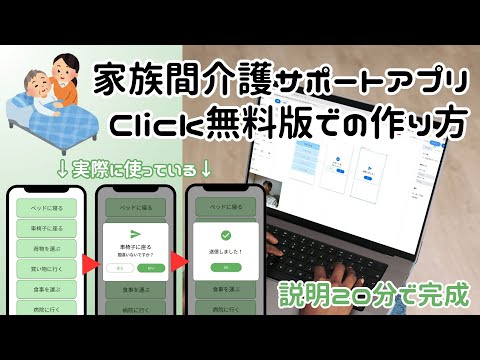

Build visually in Japanese
Watch the operator try the tool. Videos open on YouTube and have Japanese audio.
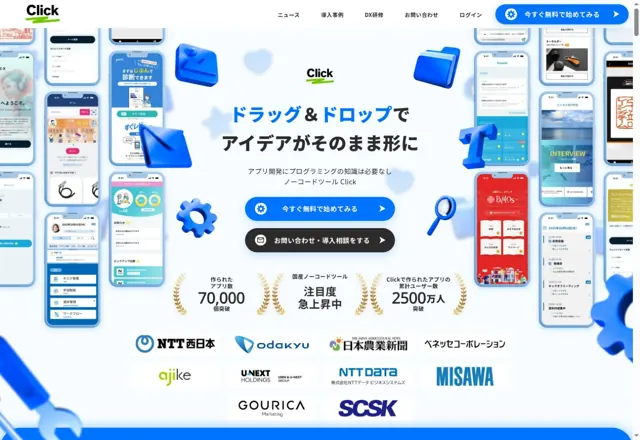
Prices, features and publishing terms can change. Always check the official site for current information.
View current official information ↗A Japanese visual builder with examples spanning quizzes, shops, communities and internal apps.
People who want Japanese guidance while building member services or business apps.
Consider a community app where members read posts, or an app for shop bookings. Sketch the viewing, booking and management screens first to identify the required features.
Test member-only access and how overlapping bookings are handled. Check ongoing costs after launch and annual contract renewal conditions.
Write one sentence about who will use it and what they need.
Build a list and detail view, then test which records each member can see.
Test on the intended device, then assess revision effort and ongoing costs.
A Free plan is available for prototyping, with limits on app count, data capacity and other resources.
Free allowance checked: 2026-10-26 · View official terms
Japan · Asteria Canvas, Inc.
The official address is in Tokyo.
Country/region follows official company locations or main operating bases, not server locations or language support.
Checked: 2026-10-26 · Operator source
Profile sources checked: 2026-10-25. Suggested uses and tests are editorial guidance.
Official source for this profile ↗
The community dining booking app our operator built with Click ▶
The food truck checkout app and order display our operator built with Click ▶
※1 No-code: visual editing without writing code.
※2 Low-code: visual editing with code.
※3 AI: creation assisted by written instructions.
Glossary →
Monthly payments can still involve an annual contract. Check store and domain plan requirements.
Official custom-domain and SSL instructions. Store submission and review are separate.
Checked: 2026-10-26 · Official source 1 · Official source 2
Check current fees, billing term and published-app limits on the official site.
Creation and simultaneous publishing limits differ. For 2–5 or 6+ apps, check extra slots and total costs.
Official review: 2026-10-23
Check unverified plan limits, total costs and domain conditions with the provider before subscribing.