
Build a 2D or 3D game

For 2D games such as puzzles and side-scrolling action, or 3D games set in a three-dimensional world. Each tool supports different kinds of games and workflows. Start with something short and playable, and decide whether to share it through a URL or an app store. If you plan to sell it, check commercial-use terms for assets such as images and music.

Main toolGames

Construct 3
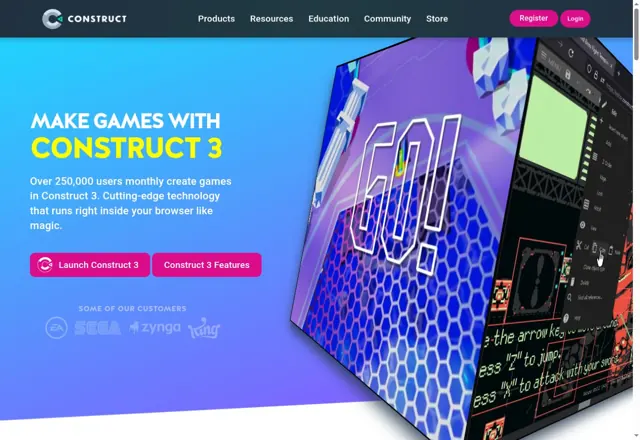
Construct 3 official homepage
Official homepage · Oct 2026
United KingdomFree tier available

Build play with events

2D games

Things to check

Mobile exports require checking the plan and build environment. Store review is separate.

Check current fees, billing term and published-app limits on the official site.

Reviewed: 2026-10-23

Try Construct 3 free ↗ PR

We may earn a commission from eligible activity through this referral link.

Details and official sources →
Main toolGames

Rosebud AI

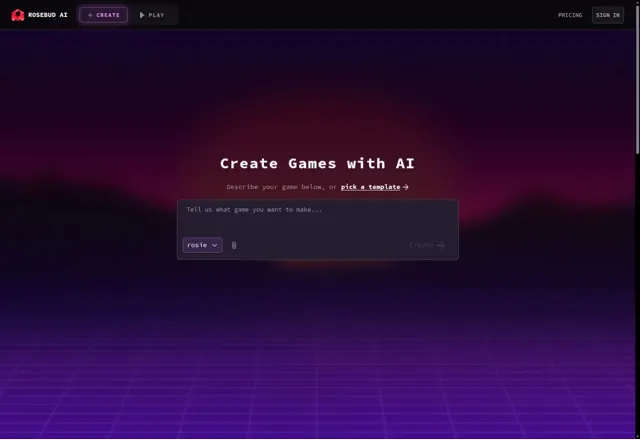
Rosebud AI official homepage
Official homepage · Oct 2026
United StatesFree tier available

Prototype games with AI

Conversational game creation

Things to check

See Publishing and custom domains below for conditions. May appear as a comparison candidate with unverified conditions flagged.

Check current fees, billing term and published-app limits on the official site.

Reviewed: 2026-10-23

Try it on the official site ↗Details and official sources →
Main toolGames

Seele AI

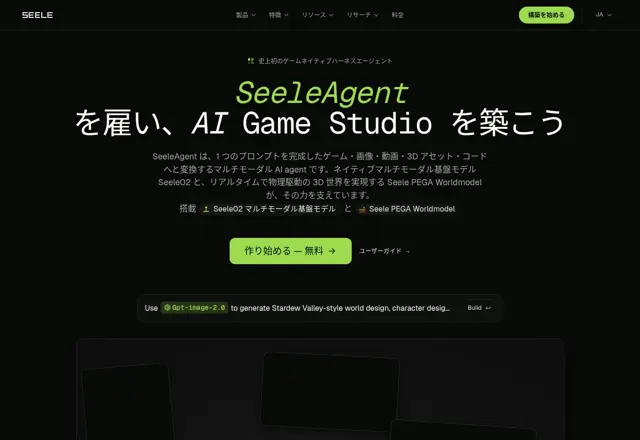
Seele AI official homepage
Official homepage · Oct 2026
ChinaFree tier available

Explore 3D game creation

AI and 3D game research candidate

Things to check

Official game-prototyping information is available. Store, domain and commercial terms remain unverified; check them with the provider even if this tool appears in results.

Check current fees, billing term and published-app limits on the official site.

Reviewed: 2026-10-26

Try it on the official site ↗ PR

We may earn a commission from eligible activity through this referral link.

Details and official sources →

What to check before choosing

These tools are starting points for comparison. None is guaranteed to provide everything you want. Publishing methods and required plans vary by service. Read each tool’s detail page and check current prices and features on its official website.

How to try them

  1. Choose the one thing you most want to do. Start with a small part, such as entering a booking or moving a character in a game.
  2. Try it on the phone or computer you plan to use. Check that text is readable and buttons are easy to press, and ask someone else to try it. If personal information is involved, check that only the right people can access it.
  3. Check how other people will use the app and what it will cost to keep running. Free creation may still involve fees for publishing or adding users. Check the contract term and additional charges as well as the monthly price.

Explanation updated: October 26, 2026. Sources and review dates for each service appear on its detail page.

Start with a small prototype!

Take the free quiz →