
Publish to app stores

For people who want to build an app installed on a smartphone, such as a shop membership card or booking service. Publishing to the iPhone App Store and Android Google Play involves different steps. Decide where you want to publish, then compare supported features, publishing costs and how easily you can update the app.

Main toolNo-code

Click
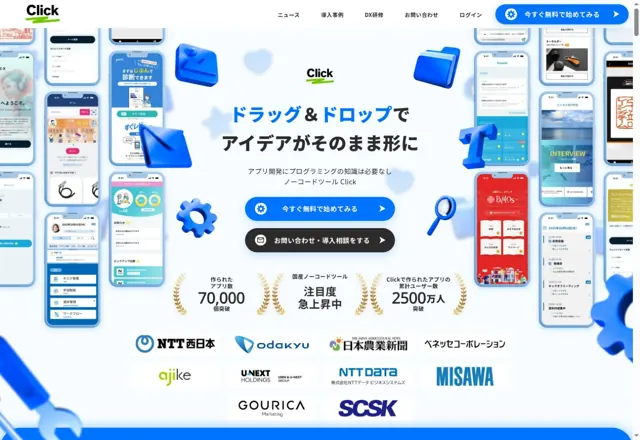
Click official homepage
Official homepage · Oct 2026
JapanFree tier available

Build visually in Japanese

Community, booking and business apps

Things to check

Monthly payments can still involve an annual contract. Check store and domain plan requirements.

Check current fees, billing term and published-app limits on the official site.

Reviewed: 2026-10-23

Try it on the official site ↗ PR

We may earn a commission from eligible activity through this referral link.

Details and official sources →
Main toolNo-code

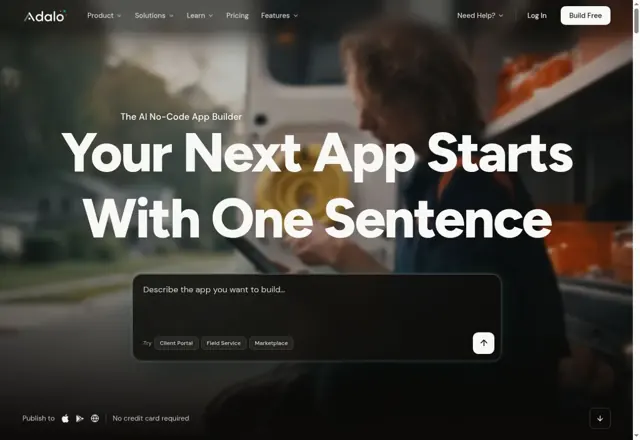
Adalo

Adalo official homepage
Official homepage · Oct 2026
United StatesFree tier available

Build for mobile and web

Booking, community and general apps

Things to check

Publishing needs a paid plan. Check published-app limits and store registration fees.

Check current fees, billing term and published-app limits on the official site.

Reviewed: 2026-10-23

Try it on the official site ↗ PR

We may earn a commission from eligible activity through this referral link.

Details and official sources →
Main toolLow-code

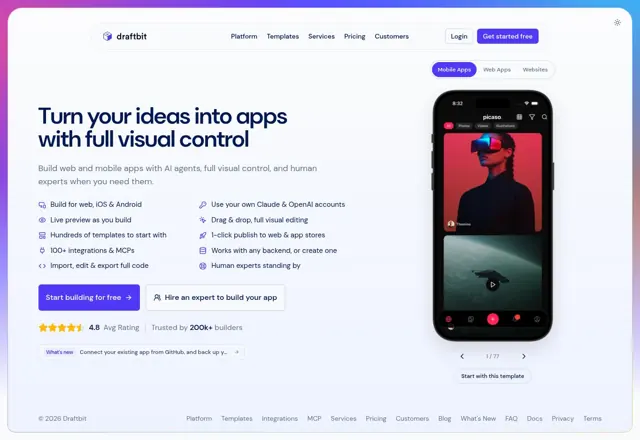
Draftbit

Draftbit official homepage
Official homepage · Oct 2026
United StatesFree tier available

Combine visual editing and code

Web and mobile apps

Things to check

Code and data design knowledge may be needed. Check publishing plans and external costs.

Check current fees, billing term and published-app limits on the official site.

Reviewed: 2026-10-23

Try it on the official site ↗ PR

We may earn a commission from eligible activity through this referral link.

Details and official sources →
Main toolNo-code・AI

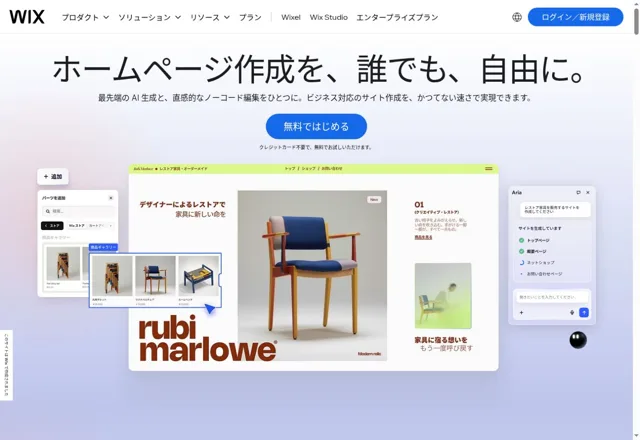
Wix

Wix official homepage
Official homepage · Oct 2026
IsraelFree tier available

Build websites and your own apps with AI and visual editing

Websites, landing pages, online shops and booking apps

Things to check

The free tier excludes app-store publishing. Website and own-app subscriptions are separate. Check booking/payment support, store review and recurring costs.

Free website publishing is available. Domains and payments need eligible paid plans. Store publishing requires a separate Mobile App Premium plan and developer fees.

Reviewed: 2026-10-29

Try it on the official site ↗Details and official sources →

What to check before choosing

These tools are starting points for comparison. None is guaranteed to provide everything you want. Publishing methods and required plans vary by service. Read each tool’s detail page and check current prices and features on its official website.

How to try them

  1. Choose the one thing you most want to do. Start with a small part, such as entering a booking or moving a character in a game.
  2. Try it on the phone or computer you plan to use. Check that text is readable and buttons are easy to press, and ask someone else to try it. If personal information is involved, check that only the right people can access it.
  3. Check how other people will use the app and what it will cost to keep running. Free creation may still involve fees for publishing or adding users. Check the contract term and additional charges as well as the monthly price.

Explanation updated: October 26, 2026. Sources and review dates for each service appear on its detail page.

Start with a small prototype!

Take the free quiz →