Adalo · Japanese audio

Build for mobile and web
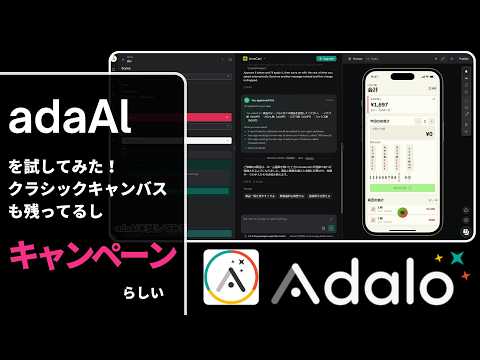
Watch the operator try the tool. Videos open on YouTube and have Japanese audio.
Prices, features and publishing terms can change. Always check the official site for current information.
View current official information ↗A visual builder for iOS, Android and web, with booking, membership and business use cases.
People evaluating mobile and web apps through visual editing.
Try a service where members browse bookings and apply. Building just a list, details and application screen can help you judge how easy navigation feels.
Check data and pricing as usage grows, and simultaneous published-app limits. App stores require review and may charge developer registration fees separately from the builder.
Write one sentence about who will use it and what they need.
Build booking list, detail and request screens and test on a phone.
Test on the intended device, then assess revision effort and ongoing costs.
You can build and test apps for free. Public deployment requires a paid plan.
Free allowance checked: 2026-10-26 · View official terms
United States · Adalo, Inc.
The official policy states that the company is based in the United States.
Country/region follows official company locations or main operating bases, not server locations or language support.
Checked: 2026-10-26 · Operator source
Profile sources checked: 2026-10-25. Suggested uses and tests are editorial guidance.
Official source for this profile ↗
Union: Funding and a move from Adalo to Flutter ▶
※1 No-code: visual editing without writing code.
※2 Low-code: visual editing with code.
※3 AI: creation assisted by written instructions.
Glossary →
Publishing needs a paid plan. Check published-app limits and store registration fees.
Official web-domain and store publishing guidance; check current plan and app limits.
Checked: 2026-10-26 · Official source 1 · Official source 2
Check current fees, billing term and published-app limits on the official site.
Creation and simultaneous publishing limits differ. For 2–5 or 6+ apps, check extra slots and total costs.
Official review: 2026-10-23
Check unverified plan limits, total costs and domain conditions with the provider before subscribing.